
TaskTree
Nested to-do lists
Nested to-do lists that work like folders on your computer.
- Free
- No ads
- No account
- Works offline
What TaskTree Does
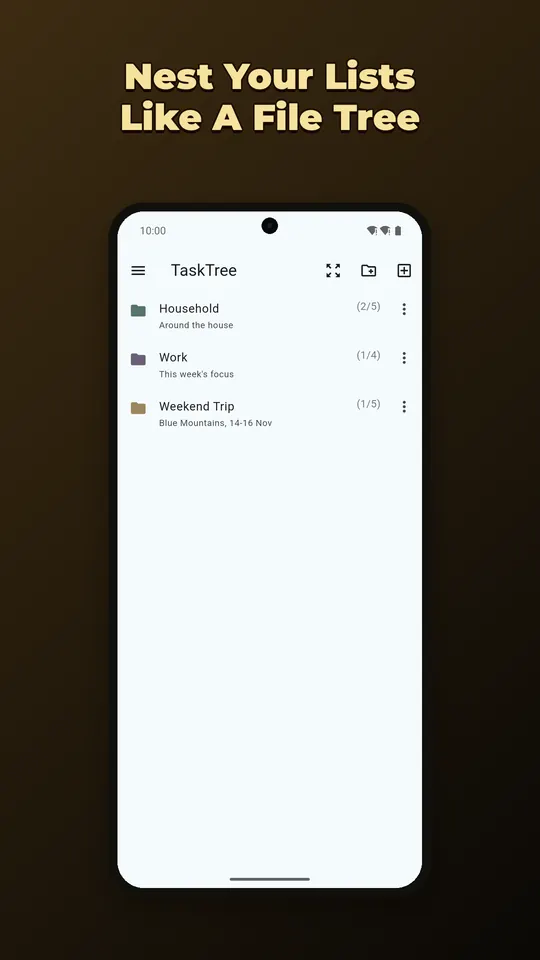
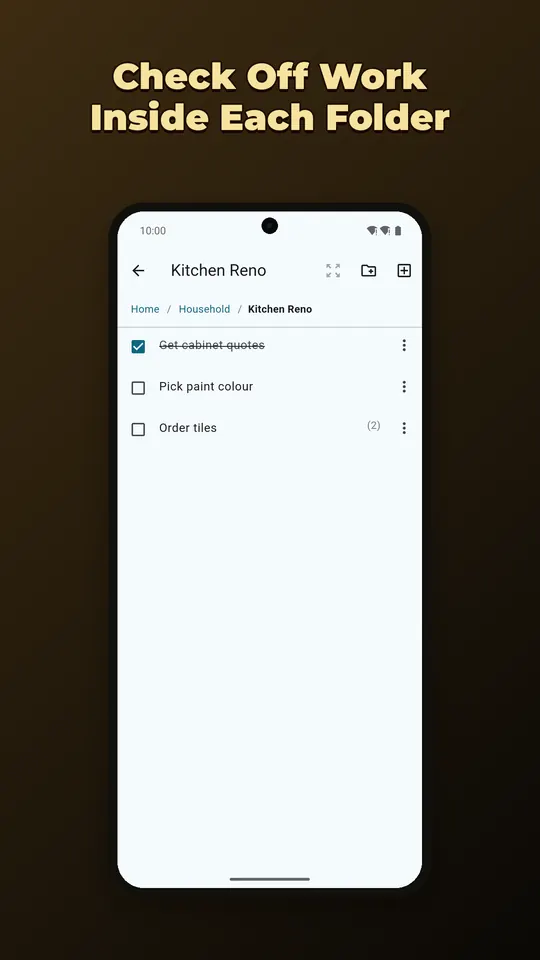
TaskTree treats your tasks like files. Put projects inside projects with unlimited nesting, check off to-dos with a tap, and tap the breadcrumb to jump back up any level. It is free, with no ads and no account, and it runs fully offline.
Folders Inside Folders
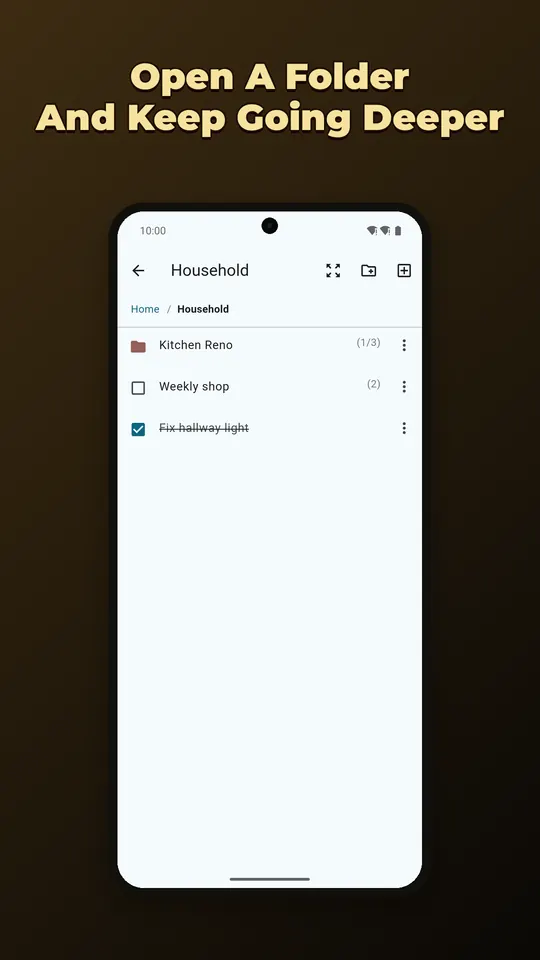
Nest folders and subtasks as deep as you need. Every item starts as a to-do, and you can turn it into a folder when it needs room.
Breadcrumbs and Progress
Tap the breadcrumb to jump back up any level, and see a progress counter on every folder.
Notes on Any Task
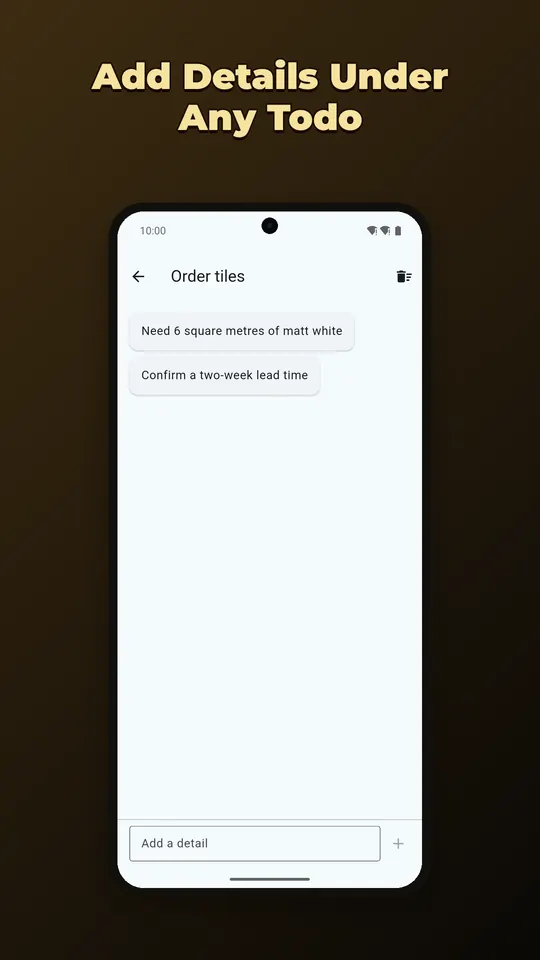
Add as many detail notes as you like to any task, so the next step is always clear.
Move and Reorder
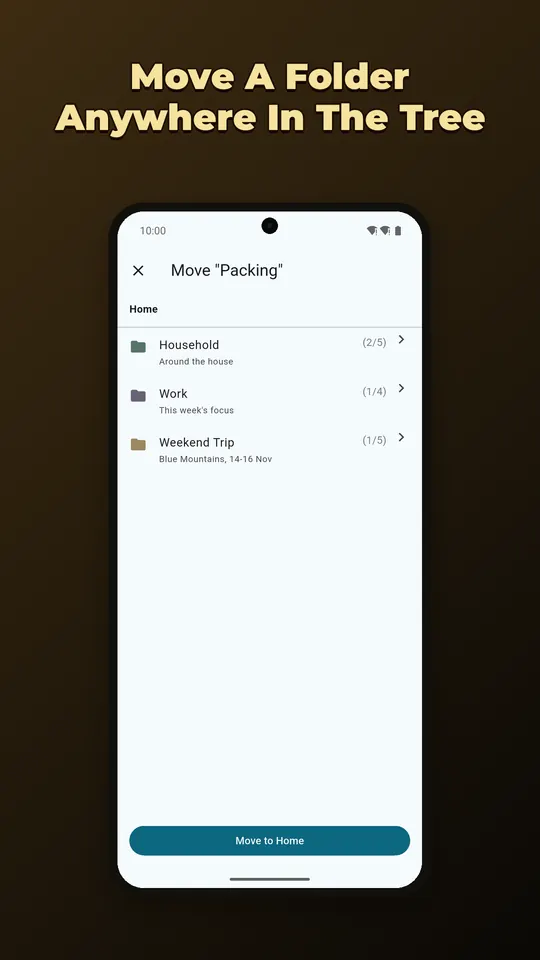
Move a task or a whole folder to another place in the tree, and press and hold to reorder.
Copy and Paste Lists
Copy a single task or a whole folder and paste it into an email, where nested lists keep their layout. Some other apps paste it as plain text.
Backup, Restore and Clone
Back up your lists to a file and restore them later, or use a backup to clone your lists onto another device.
Also includes an outline view to see your nested tasks at a glance, dark mode, and side-by-side columns on tablets and wide screens.
Take a Look
Privacy
Your lists live on your device. TaskTree has no ads, needs no account and does not send your tasks to any server.